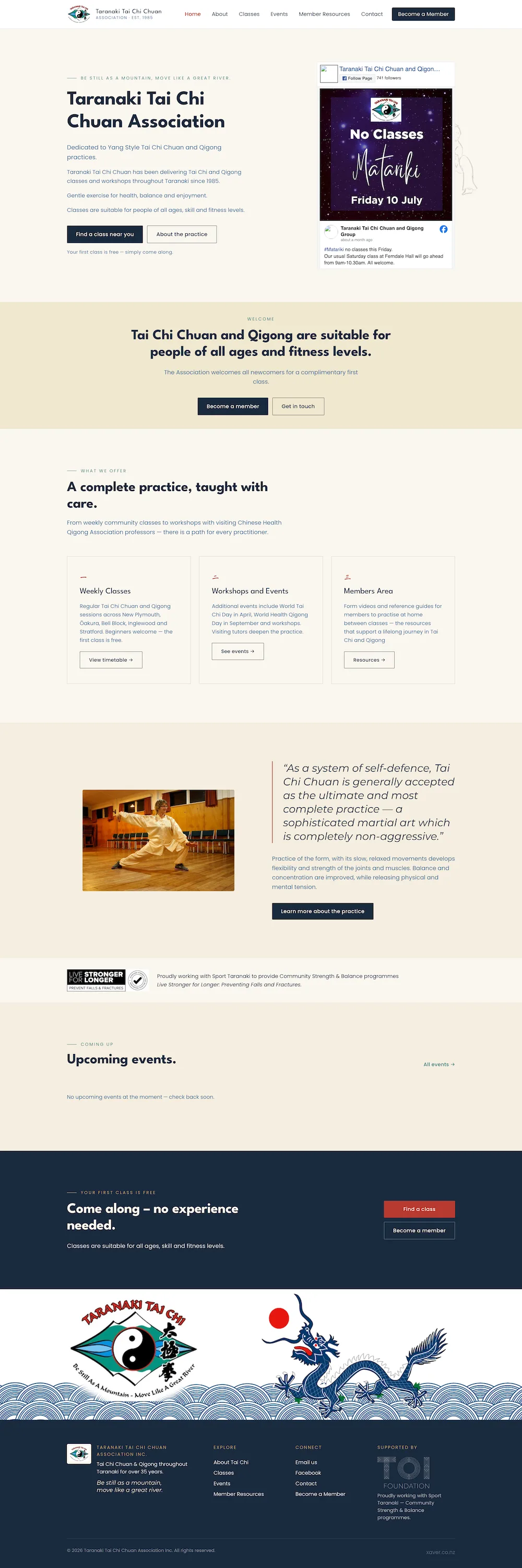

In the space of a month we had two new clients for the same reason: their WordPress site suddenly stopped working after an automated update. Both sites were inaccessible via the admin. Both came back online the same day.
What went wrong
Automated core or plugin updates are handy. They also carry risk. An incompatible update can break PHP code, trigger a fatal error, or leave the site in a maintenance state. When that happens the admin can be unreachable and the regular dashboard fixes are impossible.
How we fixed it
We worked the old-school way and went straight to the fileserver. Short version:
- access the server via SFTP or the host control panel
- rename the plugins folder in wp-content to disable all plugins
- move any mu-plugins or custom files out of the root temporarily
- restore a recent backup of core files where needed, or replace the failing update
- check error logs and PHP version, then re-enable plugins one at a time to find the culprit
- fix file permissions and clear caches
That process let us get admin access back and bring both sites online the same day. One client chose to rebuild; the other stayed on the fixed site.
Options and likely cost
We give two clear options when we arrive:
- Quick restore and repair. Get the existing site running and stable. This is tipically a small and affordable job.
- Rebuild and migrate. Move off WordPress to a modern build we host and maintain. If you choose this path we can include the quick restore at no extra charge and use your previous site as source of content and inspiration.
Why consider moving away from WordPress
WordPress is excellent for a simple online presence and rapid setup. It is less suited to complex, high performance or highly bespoke web apps. After a year or two many sites either grow beyond what WordPress handles well, or suffer from plugin sprawl and update fragility.
If your site is mainly marketing content, a lightweight static or headless approach can be faster, cheaper to host, and easier to maintain. If you need custom workflows or heavy integrations a purpose built web app will be more reliable.
What we recommend
- Work with someone that builds websites for a living. DIY and friends may get you a website that doesn't work for you.
- Keep your plugins under control.
- Once per year, get your site reviewed.
We don’t maintain WordPress sites routinely, but we know how to restore them quickly and how to rebuild them cleanly away from WordPress when that makes sense. Both approaches save you time and reduce risk.